Congratulations on receiving your coupon!
Redeeming your discount code
- Head to akool.com/pricing and click Upgrade on the appropriate plan for your coupon. (Stripe only)
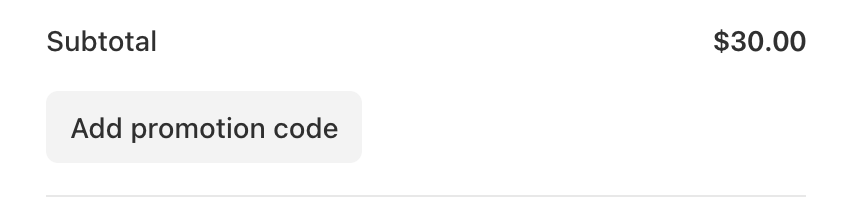
- Choose Add Promotion Code and enter your coupon!
Tip: Please confirm the coupon is accepted before making your purchase.